Drop photos of your pages hereLet go to add your files
Private. Files never leave your device.
Free, private, right in your browser.
Take a photo of a page, or pick photos you already have, and get a clean PDF. Drag the corners to straighten each page, choose a crisp black-and-white look, and keep the file under the size a form asks for. Free, open source, and your photos stay on your device.
Drop photos of your pages hereLet go to add your files
Private. Files never leave your device.
Turn on airplane mode and give it a try. It still works.
How it worksPhotograph each page, check the corners, and download one PDF. The straightening and cleanup run in your browser, so a passport page or a signed form never leaves your phone.
Scan as many pages as you like, with no account and no watermark. When an upload form caps files at 1 MB, set a size limit and the quality steps down until the PDF fits. For the scanners built into iPhone and Android, see how to scan a document to PDF.
It's open source under the MIT license, so anyone can read the code, fork it on GitHub, or share it. Simple PDF tools should be free for everyone.
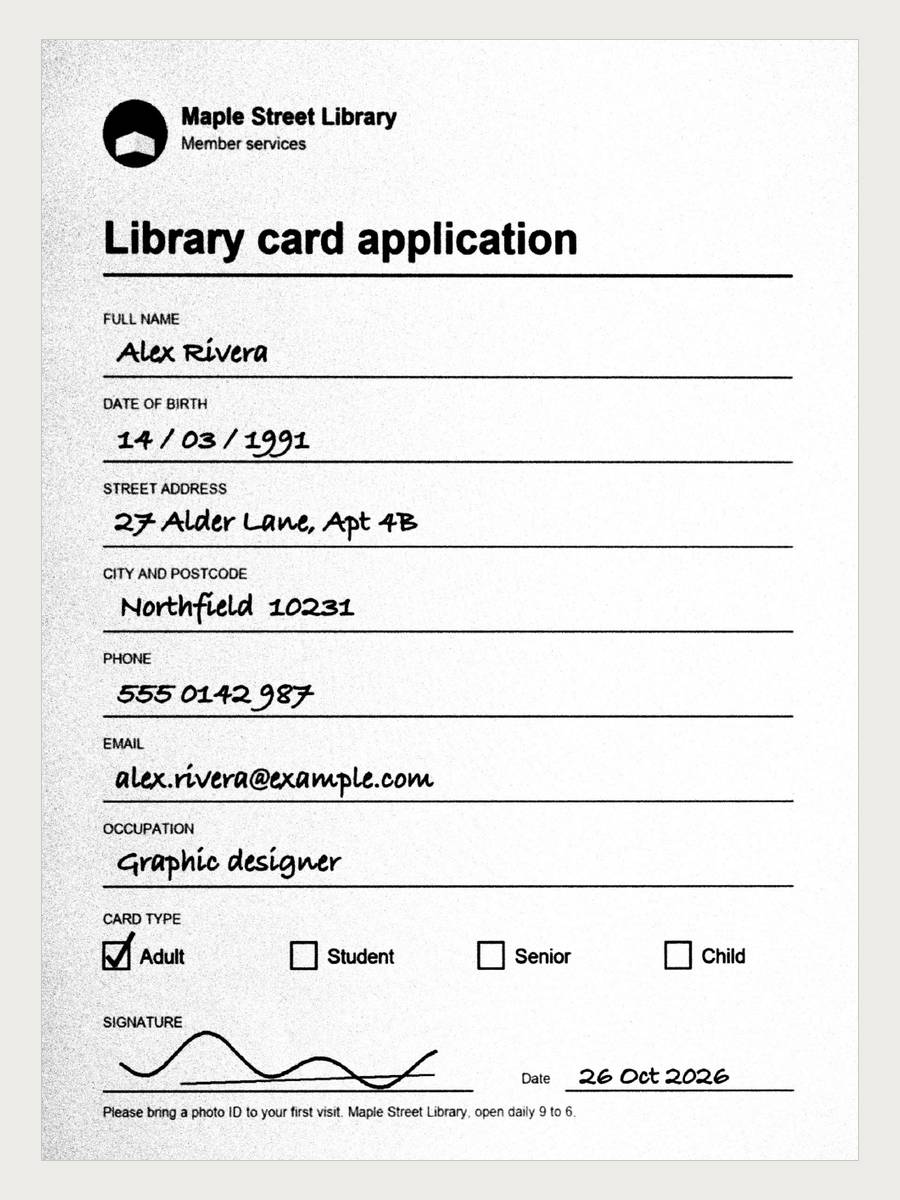
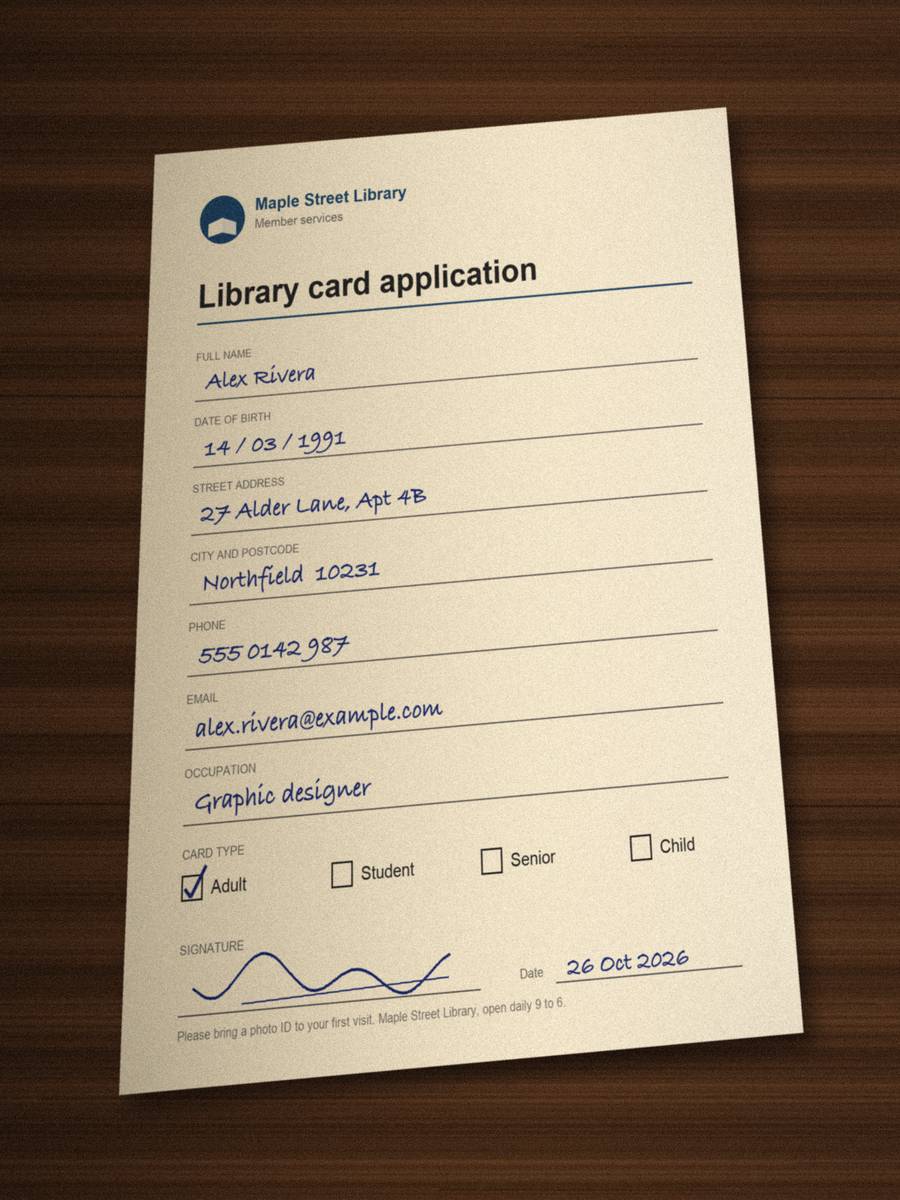
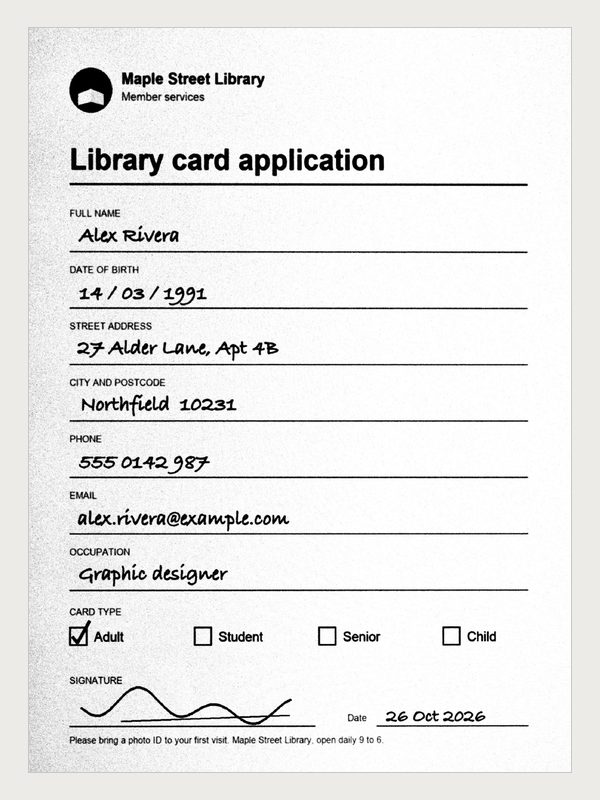
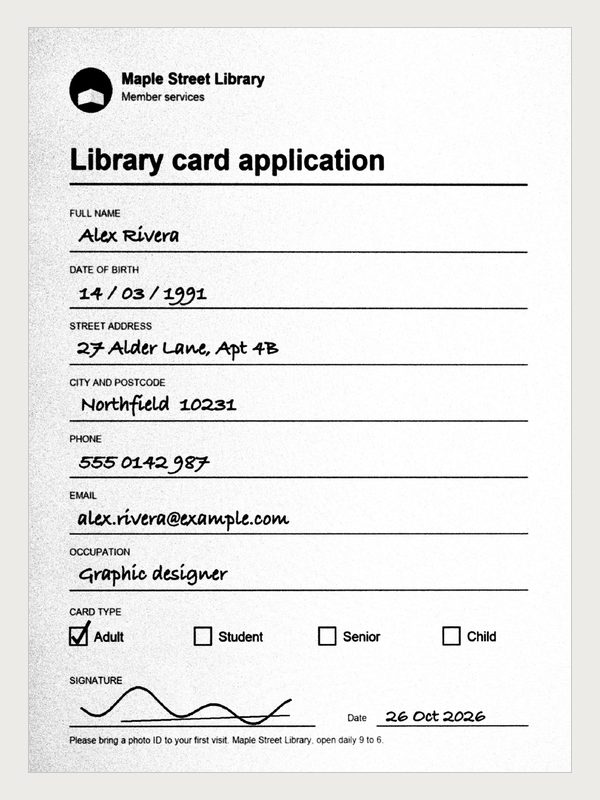
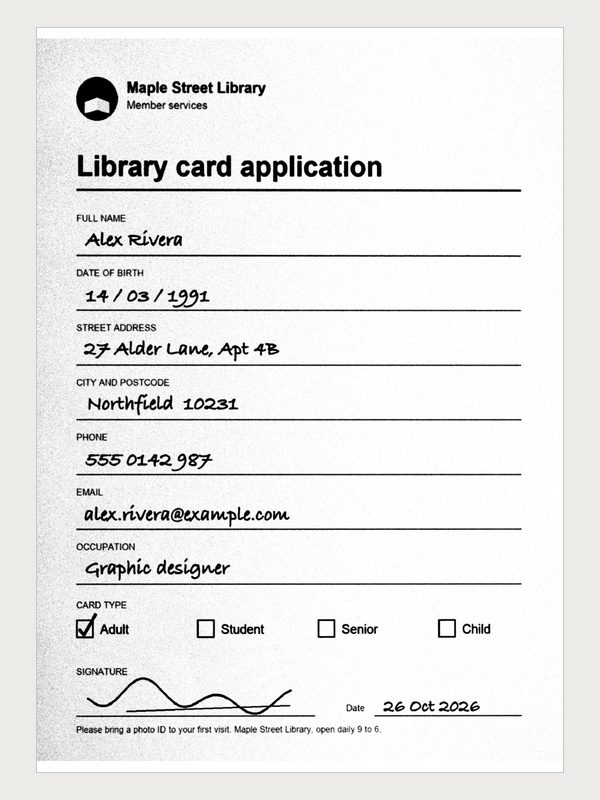
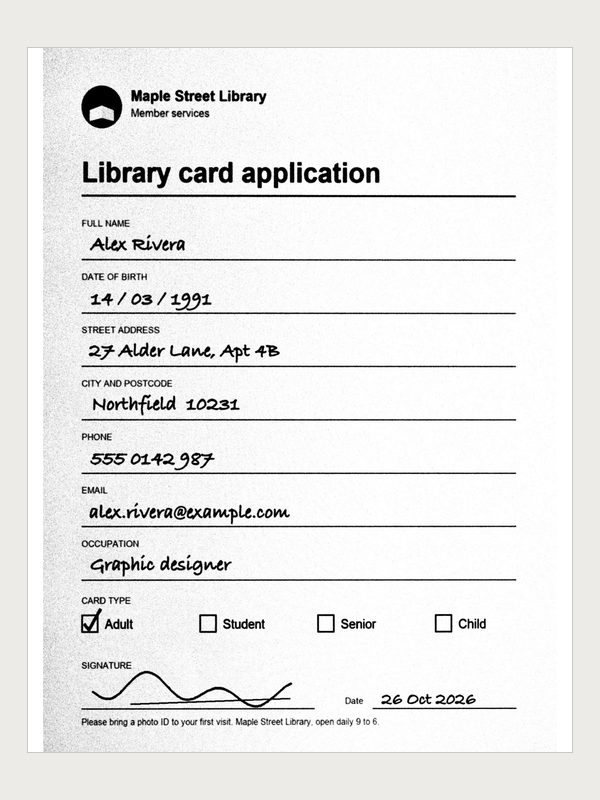
Every picture here was made by Scan to PDF from one sample photo, in a browser, the same way it runs for you.
 PhotoScan
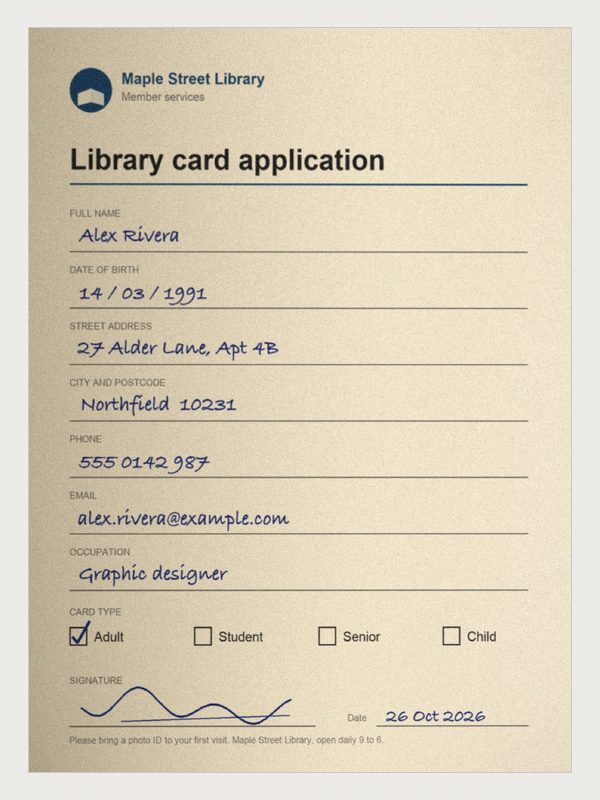 Original
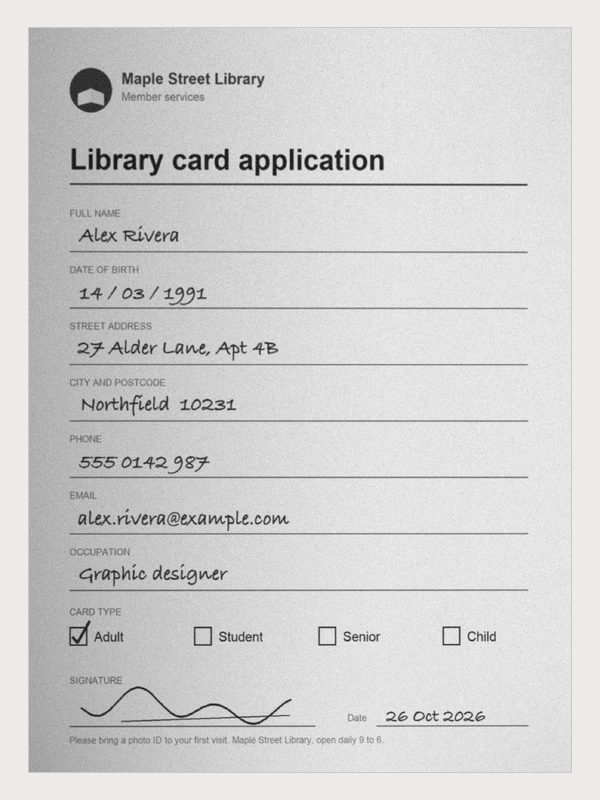 Grayscale
 Document
 Fit
 A4
 Letter
 No limit
 Under 500 KB
Yes. Like every tool on PDkef, it is free with no signup, no watermark and no page limit.
No. The corners, the straightening, the cleanup and the PDF itself are all made in your browser. Your photos never leave your device, and there is no processing server.
Yes. On a phone, Take a photo opens the camera, one page per shot. You can also pick photos you already took, or JPG and PNG files on a computer.
Each page has four corners. They are placed on the page edges when those can be found; drag any corner onto the page's real corner and the page is flattened into a rectangle, as if it had been scanned flat.
It evens out shadows and uneven light, then turns the page into dark text on a white background, which reads well and keeps the file small. Original keeps the colours and Grayscale drops them.
Yes. Choose a size limit and the image quality, and then the resolution, steps down until the whole PDF is under it. The final size is shown before you download, and if a long scan cannot get that small, it tells you so.
Fit keeps each page the size of its scan. A4 and Letter put every page on that paper size, turned to match the scan, so it prints at the size people expect.
Yes. Once the PDF is ready, Sign, Merge and Compress each take it with one tap, with no need to download it and open it again.
Every one of these runs on your device, free, with nothing uploaded.
Also: Extract PDF Pages · Rotate PDF · Remove PDF Pages · Add Page Numbers to PDF
A new version is ready. It loads once you're done in your other PDkef tab.A new version is ready. Close your other PDkef tabs to load it.An important fix for PDkef is ready. This page reloads in a moment.