The free CamScanner app adds a "Scanned with CamScanner" line to every page. With the Redact tool you tap it away and download a clean PDF, right in your browser.
Last updated
Before and after
How to remove "Scanned with CamScanner" from a PDF
BeforeAfter
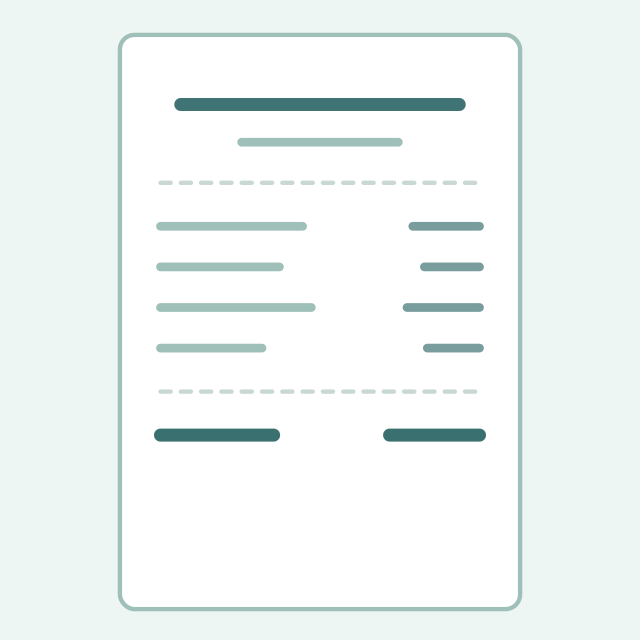
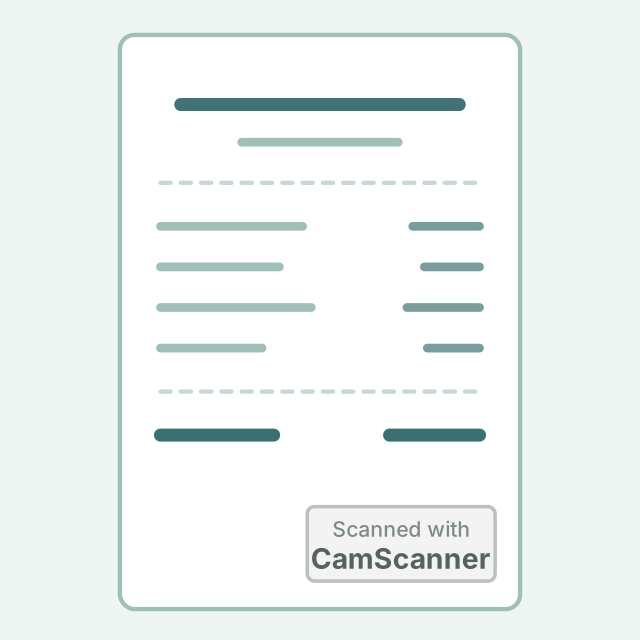
The same receipt, before and after. The rest of the page stays exactly as it was.
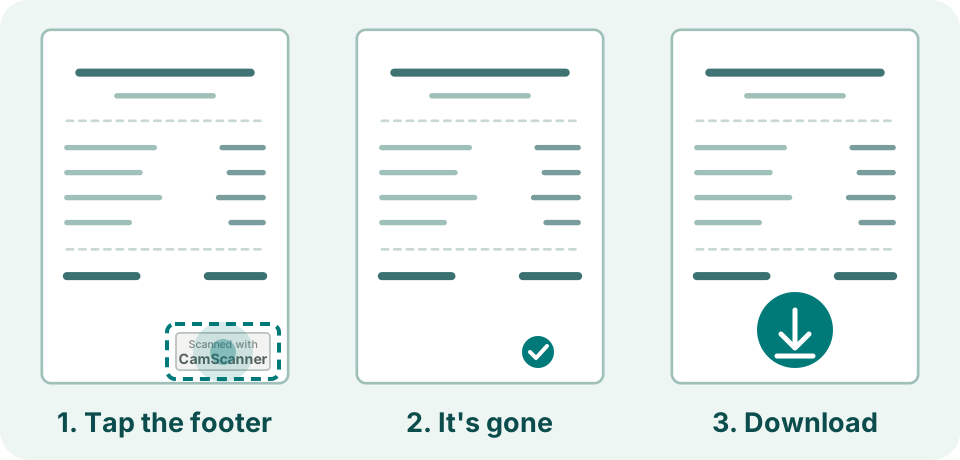
1Open your PDF in the Redact tool and choose Delete. It works on a phone or a computer.
2Tap the footer. It lights up on its own, and one tap removes it.
3Do the same on each page, then Download. You get a new, clean PDF.
Three taps
Tap it, it is gone, download
Delete outlines the footer on its own, so you can see what one tap removes.
If Delete lights up the whole page instead, the footer is part of the scanned picture. Choose Whiteout, pick a colour close to the paper's, and drag it over the line.
Nothing left behind
The hidden link goes too
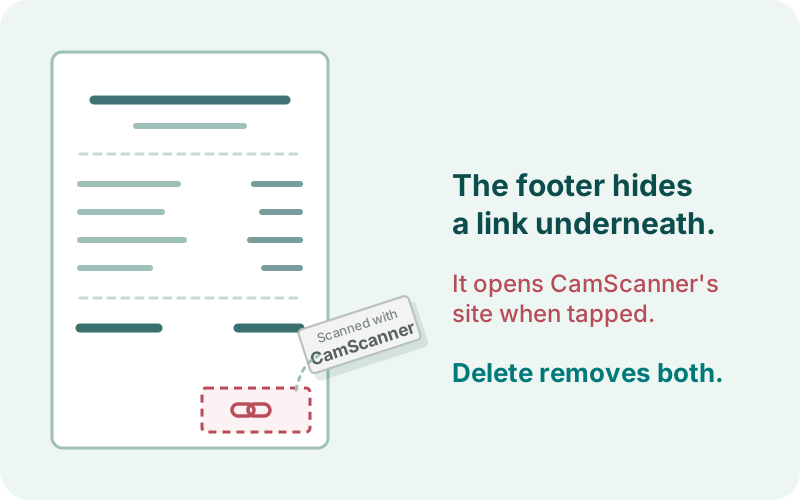
Under the footer sits an invisible link. Delete takes both.
The footer is also an invisible link to CamScanner's website. Delete removes the link together with the footer, and the downloaded file keeps no title, author or scan time from the original.
Nothing is uploaded
Your scan stays on your device
PDkef works in your browser, with no upload, no account and no watermark of its own. It is free and open source, and you can check that nothing leaves your device.
How do I remove the CamScanner watermark from a PDF for free?
Open the PDF in PDkef's Redact tool, choose Delete and tap the "Scanned with CamScanner" line on each page, then Download. If Delete selects the whole page, drag a Whiteout box over the line instead.
Can I remove the CamScanner watermark on my iPhone or Android phone?
Yes. Open pdkef.com in your phone's browser, choose the PDF from Files and tap the footer. Nothing is installed and nothing is uploaded.
Does the hidden CamScanner link go too?
Yes. The footer is also an invisible link to CamScanner's website. Delete removes it with the footer, and the downloaded file keeps no title, author or scan time from the original.
Is my scan uploaded anywhere?
No. PDkef works on the PDF in your browser, on your device. There is no upload and no account, and the code is open source.
Same suite
More PDF tools
Every one of these runs on your device, free, with nothing uploaded.

 BeforeAfter